
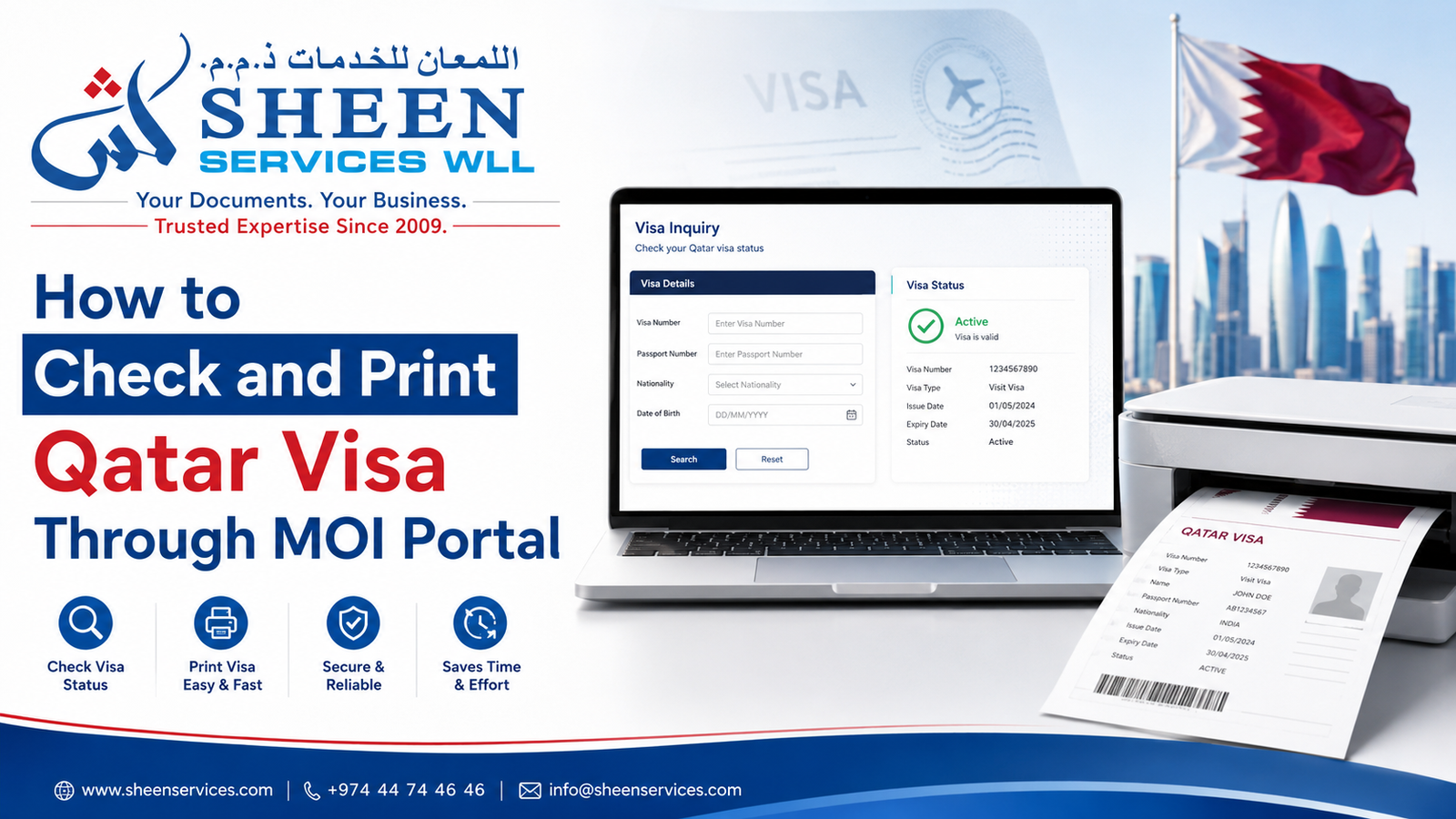
The Qatar Ministry of Interior (MOI) provides an online Visa Inquiry and Printing service for checking visa information and printing or reprinting details of issued visas. You can search using a visa number or passport number and nationality. This guide explains how to use the official MOI service and what to do if you cannot find your visa information.
Visa Inquiry & Printing vs Visa Approval Tracking
MOI Qatar provides different online services depending on the stage of your visa application.
Visa Inquiry and Printing is used to check visa information and print or reprint details of an issued visa using a visa number or passport number.
Visa Approval Tracking is more relevant when your visa application is still being processed and you want to check its approval status.
MOI also provides separate services for visa extensions and fine payments, while applications processed through a Qatar Visa Center (QVC) may need to be tracked through the relevant QVC service.
What Is Qatar Visa Inquiry and Printing?
Qatar Visa Inquiry and Printing is an online service provided by Qatar’s Ministry of Interior. The MOI states that its Visa Inquiry service can be used to inquire about work or visit visa applications and print or reprint details of issued visas online. The Visa Inquiry & Printing form currently allows searches using either a visa number or passport number together with nationality and a verification code.
When Do You Need to Check Your Qatar Visa Status?
- Before travel — to check that your visa information and validity are up to date.
- After application — to verify visa issuance following submission, payment, or attestation.
- At employer request — HR or a sponsor may ask for proof of visa status.
- For PRO/HR teams — for bulk checks and onboarding verification.
- For disputes — entry, overstay, or cancellation queries, since MOI is the primary record source.
Details Required for Qatar Visa Inquiry
Visa Number or Passport Number
You can search using either your visa number or passport number. If it isn’t available, use the applicant’s passport number instead. Copy and paste the number where possible to avoid typing errors.
Nationality Selection
Choose the exact nationality label from the dropdown menu. A mismatch here is one of the most common causes of a “no results” error.
Security Code Verification
Enter the CAPTCHA or visual security code shown on the page. If it doesn’t load, refresh the page or make sure JavaScript is enabled in your browser.
How to Check Qatar Visa Status Through the MOI Portal
- Go to the official MOI Visa Inquiry and Printing page: portal.moi.gov.qa – Visa Enquiry and Printing. Use an up-to-date browser such as Chrome, Edge, or Safari, and bookmark the page for future checks.
- Navigate to Visa Inquiry and Printing: Services → Enquiries → Visa Services → Enquiry and Printing. If the layout has changed, look for a “Visa Services” or “Enquiry & Printing” label.
- Enter your details: Visa Number OR Passport Number, nationality, and the security code. Remove extra spaces.
- Submit the form and review the result:
- Visa Found — full details appear along with a print/download option.
- No Record Found — recheck your inputs, wait 24–48 hours, and confirm the details with your sponsor.
- System Error or Maintenance — retry later or try a different browser.
How to Print Your Qatar Visa Online
- Use the portal’s built-in “Print” or “Download PDF” option if it’s available.
- If it isn’t, use your browser’s print function (Ctrl+P on Windows, Cmd+P on Mac) and choose “Save as PDF” to keep a digital copy.
- Print settings: A4 paper, portrait orientation, 100% scale — make sure the QR code and all text are fully visible before printing.
- Keep both a digital copy (on your phone or in the cloud) and a physical printout when travelling.
Common Issues During Qatar Visa Inquiry: Causes & Solutions
Incorrect Visa or Passport Number
Cause: typos, missing zeros, or extra characters.
Fix: Enter the visa or passport number exactly as shown on the official document. Check for typing errors and extra spaces. If the details still do not match, confirm them with your sponsor.
Nationality Mismatch
Cause: the wrong option was selected in the nationality dropdown.
Fix: select the exact nationality as listed by the MOI, and confirm with your sponsor if you’re unsure which one to pick.
Security Code (CAPTCHA) Errors
Cause: JavaScript disabled, ad blockers, or a rendering issue.
Fix: enable JavaScript, disable ad blockers for the site, refresh the page, or try an incognito/private window.
Visa Status Not Showing
Possible reasons: a processing delay, pending sponsor payment, issuance recorded under a different passport, or a system replication delay.
Actions: wait 24–48 hours and check again; confirm the details with your sponsor or agent; or ask a PRO to escalate the query to MOI.
System Errors & Rate Limits
MOI may throttle frequent automated queries. For bulk checks or multiple staff/space requests, it’s best to use official organisational channels or a PRO service to avoid being rate-limited.
How to Interpret Common MOI Status Messages
- Issued / Valid — ready to print and use.
- Under Process — issuance isn’t complete yet; wait before checking again.
- Rejected / Cancelled — consult your sponsor for the reason, or appeal if that option applies to your case.
- Expired — not valid for travel; a new visa is required.
Can You Check Qatar Visa Status on Mobile?
Yes. The MOI portal works on mobile browsers such as Chrome and Safari. For an easier experience, rotate your phone to landscape mode, request the desktop site if the print/download options are hidden, and take a screenshot of the result as a temporary backup.
When Professional Visa or PRO Support Is Helpful
A PRO (Public Relations Officer) or visa documentation specialist can add real value in situations like the following:
- Urgent or time-sensitive cases.
- Bulk staff visa processing and data consistency checks.
- Escalating cases where records don’t appear or errors keep occurring.
Consider professional support whenever timing is tight or when multiple staff members need their visas checked at the same time.
How Sheen Services Can Help With Visa Documentation
Sheen Services offers end-to-end PRO and documentation support to reduce delays and minimise the risk of errors, including the following:
- Visa status inquiry and printing on behalf of individuals and companies.
- Certified translation of visa, passport, and attestation documents.
- Bulk visa verification for HR and PRO teams during onboarding.
- Escalation support with MOI when a visa record doesn’t appear or shows an error.
Need Help With Qatar Visa Documentation?
Sheen Services provides documentation and PRO support for individuals and businesses in Qatar. If your visa process requires supporting documents, our team can assist with document preparation, certified translation, attestation and related PRO services.
PRO Services in Qatar →
Certified Translation →
Document Attestation →
Security and Privacy Best Practices
- Avoid sharing passport or visa details over public Wi-Fi or unsecured channels.
- Get written authorisation before sharing personal details with a PRO or agent.
- Do not edit MOI PDFs — keep the original, timestamped copies for verification.
Frequently Asked Questions
How long before travel should I check my visa?
Check 24–72 hours before travel, then once more just before you leave. Allow a few hours after issuance for the MOI system to update.
Will airlines accept a printout from MOI?
Check with your airline whether an MOI visa printout is sufficient for your journey and what other documents are required. Make sure your passport and visa details match.
MOI shows “No Record Found”, but my sponsor says it’s issued. Why?
There may be a delay between the sponsor’s submission or payment and the MOI system update, or the visa could be recorded under a different passport. Ask your sponsor for the issuance receipt, or have a PRO escalate the case.
Is there a fee to print a visa from MOI?
Viewing and printing through the MOI portal itself is free. Third-party printing or PRO services may charge a fee for their assistance.
How do I check multiple staff visas at once?
Use a spreadsheet and stagger your queries to avoid rate limits, or outsource bulk verification to a PRO service.